The Silkland DP80 DisplayPort Cable review comes down to a clear use case: a 1.6-foot connection for a high-end gaming setup built around DisplayPort 2.1.
Its 80Gbps bandwidth and VESA certification are aimed at demanding display modes, but the short reach makes careful port placement essential.
Silkland DP80 Cable Review Summary
The quick verdict
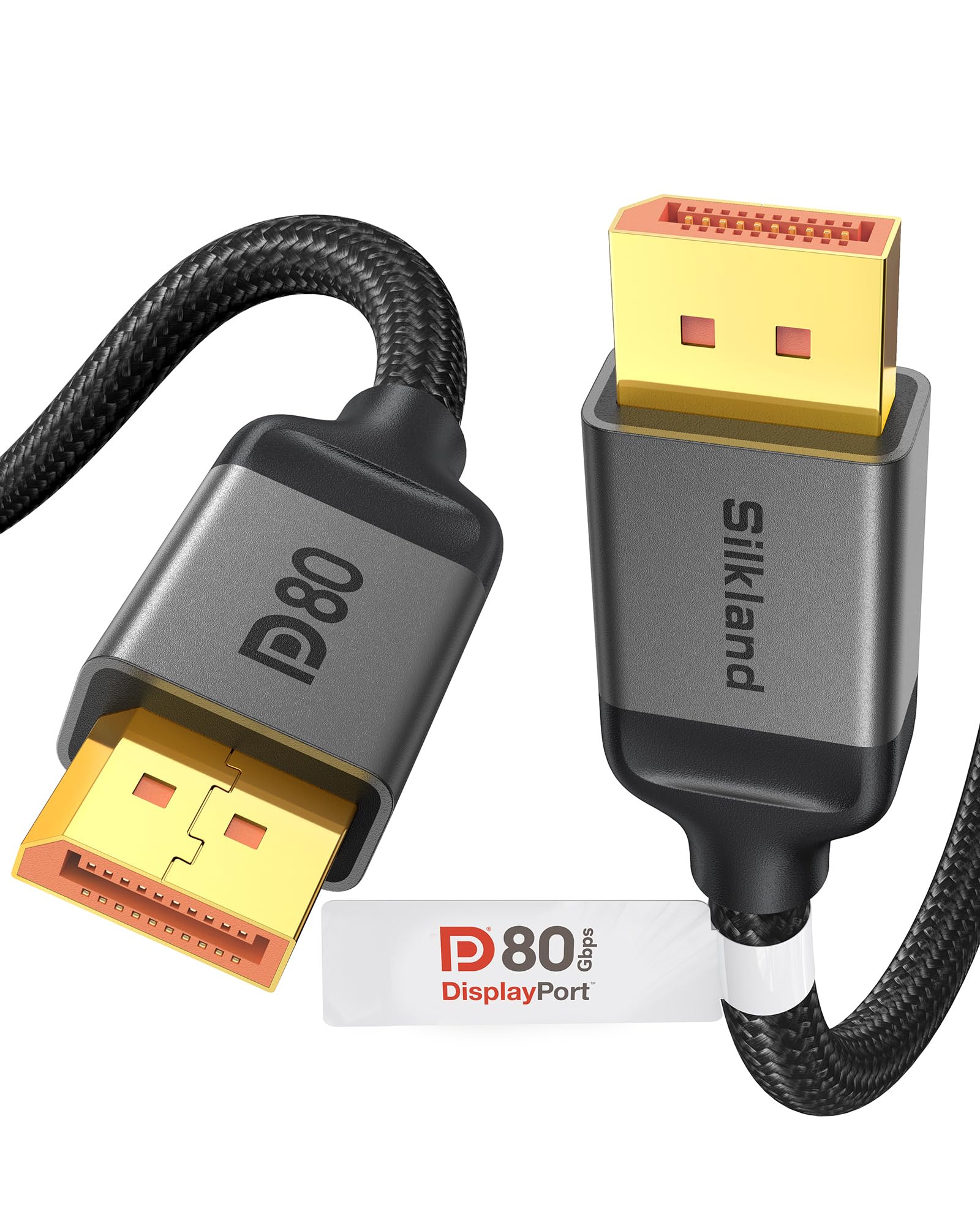
2,000+ ratings
Read Amazon ReviewsSilkland DP80 DisplayPort Cable
A fit for gamers pairing DisplayPort 2.1 equipment who need a short cable and want support for high refresh rates and multi-monitor setups.
- VESA-certified DisplayPort 2.1 cable with an 80Gbps data rate and male-to-male DisplayPort connectors.
- Uncompressed modes include 4K at 240Hz, 8K at 60Hz, and 2K at 540Hz; with DSC enabled, listed modes reach up to 16K at 60Hz, 8K at 240Hz, and 4K at 540Hz.
- Supports DSC 1.2a, VRR, FEC, ALLM, MST, HDR10+, HDCP 2.3, and 3D.
- Backward compatible with DisplayPort 2.0 and 1.4, and supports G-Sync and FreeSync.

Pros
- High bandwidth and a broad range of listed high-resolution, high-refresh display modes.
- Gaming-focused support includes VRR, ALLM, FEC, DSC, G-Sync, and FreeSync.
Consider before buying
- At 1.6 feet, it may be too short for a desk with separated components, cable routing, or frequent monitor repositioning.
- The highest listed display modes depend on DSC and compatible graphics-card and monitor capabilities.
Read the full review summary
This cable is designed for setups where a graphics card and monitor sit close together and both can make use of high-bandwidth DisplayPort.
Silkland lists uncompressed support for 4K at 240Hz, 8K at 60Hz, and 2K at 540Hz, plus higher resolution and refresh combinations with DSC enabled.
It also supports VRR, ALLM, FEC, MST, and HDR10+, features relevant to gaming and multi-screen use.
The main compromise is physical reach. At 1.6 feet, it can suit a compact desk or a nearby monitor, but it gives little room to route around equipment or reposition a display.
Buyers should check both devices' DisplayPort versions and supported modes before expecting a particular resolution and refresh rate; the cable cannot make older or incompatible hardware support them.
The buying factors
Silkland DP80 Cable Scorecard
Editorial scores reflect listed features and buyer fit; they are not laboratory measurements or customer ratings.
Bandwidth capability
The 80Gbps DP80 rating is positioned for very high-bandwidth display setups, with several high refresh modes listed.
Gaming feature support
VRR, ALLM, FEC, DSC 1.2a, G-Sync, and FreeSync support address common high-refresh gaming needs.
Build and shielding
Tinned copper conductors, triple shielding, gold-plated connectors, and a nylon exterior provide a feature-rich construction.
Setup flexibility
The compact 1.6-foot length is convenient when ports are close, but restricts routing and placement options.
Compatibility detail
It is designed for DisplayPort-equipped monitors and graphics devices and is backward compatible, while top modes depend on both devices.
Multi-monitor potential
MST support gives it a role in supported multi-display configurations, subject to hardware and setup compatibility.
Key Features and Specifications of Silkland DP80 Cable
- VESA-certified DisplayPort 2.1 cable with an 80Gbps data rate and male-to-male DisplayPort connectors.
- Uncompressed modes include 4K at 240Hz, 8K at 60Hz, and 2K at 540Hz; with DSC enabled, listed modes reach up to 16K at 60Hz, 8K at 240Hz, and 4K at 540Hz.
- Supports DSC 1.2a, VRR, FEC, ALLM, MST, HDR10+, HDCP 2.3, and 3D.
- Backward compatible with DisplayPort 2.0 and 1.4, and supports G-Sync and FreeSync.
- Construction includes 28AWG tinned copper conductors, triple shielding, gold-plated connectors, a nylon exterior, and a latch-free plug design.
- The 1.6-foot cable is intended for indoor use and includes a 24-month service period and technical support.
Pros and Cons of Silkland DP80 Cable
Pros
- High bandwidth and a broad range of listed high-resolution, high-refresh display modes.
- Gaming-focused support includes VRR, ALLM, FEC, DSC, G-Sync, and FreeSync.
- MST can support compatible multi-monitor setups.
- Shielding, tinned copper conductors, gold-plated connectors, and a nylon exterior are useful construction details.
Consider before buying
- At 1.6 feet, it may be too short for a desk with separated components, cable routing, or frequent monitor repositioning.
- The highest listed display modes depend on DSC and compatible graphics-card and monitor capabilities.
- A latch-free connector may be easier to unplug, but buyers should check whether the fit feels secure in their particular ports.
Who Should Buy Silkland DP80 Cable?
Good fit
Consider the Silkland DP80 if your monitor and graphics card are close together and both support DisplayPort 2.1 UHBR20.
Its 80Gbps rating and listed high-refresh modes make it a candidate for a compact gaming setup where the hardware can use that bandwidth.
It may also suit a supported multi-monitor arrangement, since MST is included alongside VRR and adaptive sync support. Before buying, check the exact resolution, refresh rate, and DSC requirements for your intended display mode on both devices.
The build details are appealing for a cable that may be handled during setup: the exterior is nylon, the conductors are tinned copper, and triple shielding is included.
A 24-month service period adds support coverage, while the short length keeps this best suited to a direct, nearby connection.
Who should skip it
Skip this length if your PC and monitor are more than a short distance apart, or if you need extra slack to route behind a desk or move the display. Measure the actual path between ports before choosing.
Choose another cable if your equipment lacks DisplayPort or if the target display mode exceeds what either device supports. This cable's bandwidth and features do not replace limitations in a monitor or graphics card.
How the Silkland DP80 Cable Fits a High-Refresh Setup
Bandwidth and display modes
The 80Gbps DP80 rating is the central reason to consider this model.
The listed uncompressed modes include 4K at 240Hz and 8K at 60Hz, while DSC expands the stated ceiling to combinations such as 8K at 240Hz or 4K at 540Hz.
Those figures describe supported possibilities, not a guarantee for every setup: check the resolution, refresh rate, color and compression requirements against both ends of the connection.
Gaming features in context
VRR and support for G-Sync and FreeSync are relevant when a compatible graphics card and monitor need to coordinate refresh behavior. ALLM, FEC, and DSC 1.2a add to the gaming-oriented feature set.
These standards can help a system use its supported display features, but the cable alone cannot ensure a specific experience or remove performance limits elsewhere in the system.
A short cable changes the setup
The 1.6-foot length is the defining practical tradeoff. It can keep a direct connection compact when the PC and display are close, and may help avoid excess cable on a small setup.
Measure from port to port along the route you actually plan to use, including any bends around a stand or case. If the distance is close to the full length, a longer cable may be more convenient.
Build details and compatibility
Triple shielding, 28AWG tinned copper conductors, and a nylon exterior indicate attention to the cable's physical construction. Gold-plated connectors are included, and the latch-free design avoids a release catch.
The cable is backward compatible with DisplayPort 2.0 and 1.4, but its top-end modes rely on compatible equipment. Verify the ports and target mode before choosing it for a new build.
Alternatives to Silkland DP80 Cable
One useful alternative is included: the supplied candidate offers a longer reach, while the DP80 prioritizes a higher bandwidth rating and compact length. Compare your cable route and device-supported display modes before deciding.
Computer DisplayPort Cables alternative
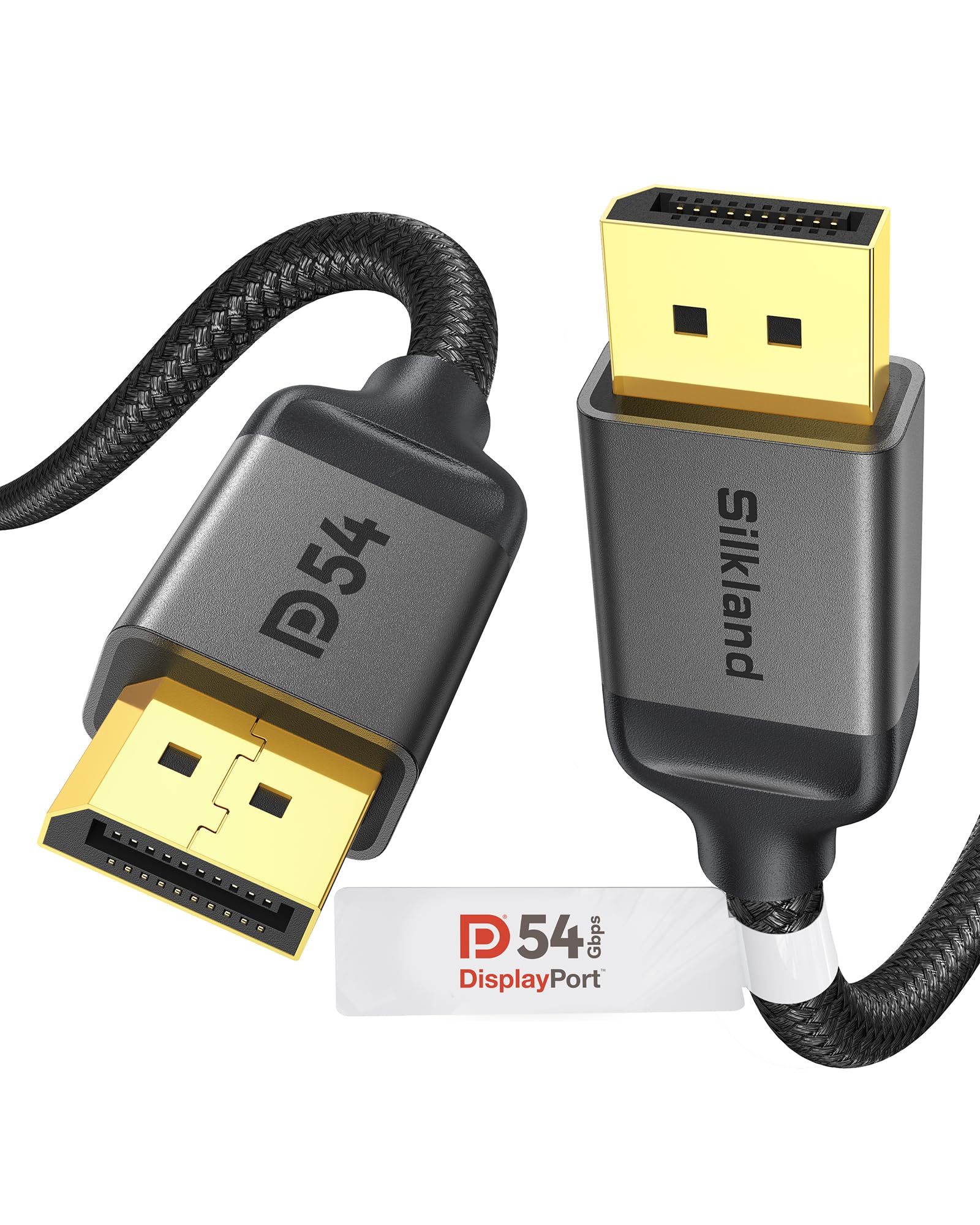
7,000+ ratings
Read Amazon ReviewsSilkland 54Gbps DisplayPort Cable, 10 ft
Choose the 10-foot option if your setup needs more reach and its listed modes fit your equipment. The DP80 is the closer match for a short connection where the additional bandwidth and higher listed refresh combinations matter.
- This 10-foot Silkland cable is rated at 54Gbps and lists support for 8K at 120Hz, 4K at 240Hz, and 16K at 60Hz with DSC.
- It also supports MST, G-Sync, FreeSync, and backward compatibility with DisplayPort versions 1.0 through 2.0.
- The DP80 is a 1.6-foot cable rated at 80Gbps, intended for a short connection and high-bandwidth modes.
Is Silkland DP80 Cable Worth It?
The Silkland DP80 DisplayPort Cable is worth considering for a compact gaming setup with compatible DisplayPort 2.1 equipment. Its 80Gbps rating, broad high-refresh mode support, and gaming features suit buyers planning to use demanding displays.
The short length is the deciding constraint. Measure the route and confirm the intended mode on both devices; if either check fails, a longer cable or a setup matched to your hardware will be a more practical choice.
Your review at a glance
2,000+ ratings
Read Amazon ReviewsSilkland DP80 DisplayPort Cable
A fit for gamers pairing DisplayPort 2.1 equipment who need a short cable and want support for high refresh rates and multi-monitor setups.
- VESA-certified DisplayPort 2.1 cable with an 80Gbps data rate and male-to-male DisplayPort connectors.
- Uncompressed modes include 4K at 240Hz, 8K at 60Hz, and 2K at 540Hz; with DSC enabled, listed modes reach up to 16K at 60Hz, 8K at 240Hz, and 4K at 540Hz.
- Supports DSC 1.2a, VRR, FEC, ALLM, MST, HDR10+, HDCP 2.3, and 3D.
- Backward compatible with DisplayPort 2.0 and 1.4, and supports G-Sync and FreeSync.