The Phomemo M110 Label Maker Machine review looks at a portable thermal printer built for small businesses, crafts, and everyday labeling.
Its Bluetooth phone app, 20–50 mm label range, and batch-printing features suit users who need more flexibility than a basic handheld labeler.
Phomemo M110 Review Summary
The quick verdict
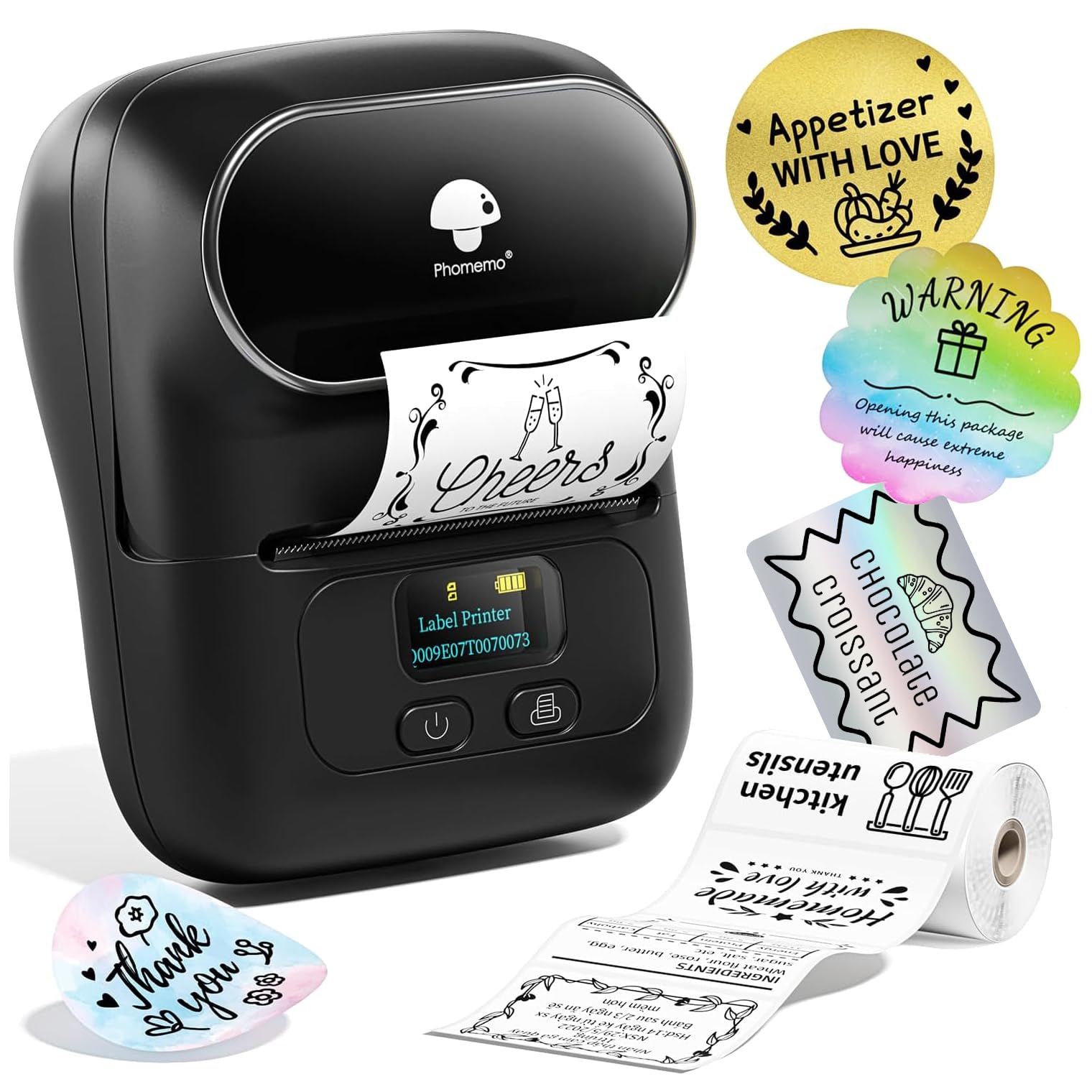
2,000+ ratings
Read Amazon ReviewsPhomemo M110 Label Maker
A compact thermal label maker for small businesses and home users who want app-designed product, address, and organization labels.
- Direct thermal printing works without ink, toner, or ribbons.
- Bluetooth connection to iPhone and Android devices through the Print Master app.
- USB connection is described for PC and Mac use.
- Supports label widths from 20 to 50 mm, suitable for product, price, ingredient, barcode, and address labels.

Pros
- A useful width range accommodates varied small-label jobs, including retail and household use.
- Template and font options can make frequent label creation less repetitive.
Consider before buying
- The 20–50 mm label width range is intended for smaller labels; buyers needing standard 4 × 6 inch shipping labels should choose a different printer format.
- The design is monochrome thermal printing, so it does not produce color text or graphics.
Read the full review summary
The M110 combines ink-free thermal printing with a cordless, app-based workflow.
Print Master offers more than 130 fonts and 300 templates, while the printer handles labels from 20 to 50 mm wide for tasks such as price tags, ingredients, barcodes, addresses, and classroom supplies.
A starter supply of 100 labels is included, so there is material on hand for initial projects.
This design makes the most sense for a home-based seller, crafter, or organized household that values portable printing and repeatable labels.
The description also identifies USB use with PC and Mac, but gives little detail about that workflow, so computer-first buyers should confirm setup and software compatibility before choosing it.
The stated battery life is four hours, a useful planning point for mobile sessions rather than a guarantee of a particular label count.
The buying factors
Phomemo M110 Scorecard
Editorial scores reflect listed features and buyer fit; they are not laboratory measurements or customer ratings.
Label-size versatility
The 20–50 mm width range supports a mix of compact product tags and broader address or organization labels.
Design flexibility
More than 130 fonts and 300 templates give phone users a substantial set of starting points.
Batch-label usefulness
Batch printing is aimed at repeated jobs, with the description indicating batches of 100 or more.
Portability
Bluetooth operation and a cordless design are convenient for desks, market prep, and other mobile tasks.
Ongoing supply simplicity
Direct thermal printing avoids ink, toner, and ribbon supplies, though labels are still a recurring consumable.
Computer workflow clarity
PC and Mac USB use is mentioned, but the available feature detail focuses much more on phone-app operation.
Key Features and Specifications of Phomemo M110
- Direct thermal printing works without ink, toner, or ribbons.
- Bluetooth connection to iPhone and Android devices through the Print Master app.
- USB connection is described for PC and Mac use.
- Supports label widths from 20 to 50 mm, suitable for product, price, ingredient, barcode, and address labels.
- The app provides more than 130 fonts and 300 templates; additional custom sticker templates may require a subscription.
- Includes 100 starter labels in a 40 × 30 mm size.
- The stated battery life is up to four hours, and the stated print speed is 1.2 inches per second.
Pros and Cons of Phomemo M110
Pros
- A useful width range accommodates varied small-label jobs, including retail and household use.
- Template and font options can make frequent label creation less repetitive.
- Thermal printing avoids the need to manage ink or toner.
- Cordless Bluetooth printing and batch support suit preparation away from a fixed workstation.
Consider before buying
- The 20–50 mm label width range is intended for smaller labels; buyers needing standard 4 × 6 inch shipping labels should choose a different printer format.
- The design is monochrome thermal printing, so it does not produce color text or graphics.
- Some additional sticker templates may require a Print Master subscription.
- Computer connectivity is mentioned, but buyers who depend on PC or Mac printing should confirm the software and setup details for their system.
Who Should Buy Phomemo M110?
Good fit
Consider the M110 if you run a small shop, sell at markets, make crafts, or label products at home and want repeatable tags without an ink cartridge workflow.
The supported widths cover a range of compact jobs, from ingredients and prices to barcodes and addresses, while templates can reduce the effort of laying out common labels.
It is also a sensible fit for users who want to prepare labels on a phone and move the printer between a home workspace and an event.
The included starter labels offer a modest first supply; for recurring work, check that the label sizes and refills you plan to use fit your routine.
Before buying for computer-led work, confirm the M110's USB setup and compatible software for your operating system.
That check matters if you intend to create designs or print batches primarily from a desktop rather than the Print Master app.
Who should skip it
Skip this model if your main job is printing full-size parcel labels. Its stated 20–50 mm width range is for smaller labels, so confirm the required media dimensions before buying.
Choose another format if your work requires color output, or if you need a well-specified desktop workflow and cannot verify the USB software details beforehand.
How the Phomemo M110 Fits Small-Label Work
A flexible size range for product labeling
The 20–50 mm width range is a practical middle ground for compact labels. It can serve price tags, ingredients, barcodes, and addresses without positioning the M110 as a full-size shipping-label printer.
Think about the widest label your regular tasks require and check that it falls within this range.
Templates help with repeat jobs
The Print Master app's fonts and templates give users a starting point for common layouts, while batch printing is intended for producing many similar labels. That combination is most useful when a seller repeats product or price tags.
If you need a very specific branded layout, check whether the available templates and editing tools cover it; additional custom sticker templates may involve a subscription.
Thermal printing keeps the supply routine simple
Direct thermal printing avoids ink, toner, and ribbon replacement, which simplifies upkeep for occasional or regular small-label jobs.
The ongoing supply is still the thermal label stock itself, so the starter roll should be viewed as a starting point. For labels exposed to particular conditions, check that the chosen media is suitable for the intended use.
Portable use depends on the workflow
Bluetooth phone printing supports a setup that can move beyond a desk, and the stated four-hour battery life gives a rough guide for planning a session.
The stated speed of 1.2 inches per second suggests that larger batches will take some time to feed through.
If you expect to work from a laptop, confirm the USB setup before relying on it as your main printing path.
Alternatives to Phomemo M110
Desktop Label Printers alternative
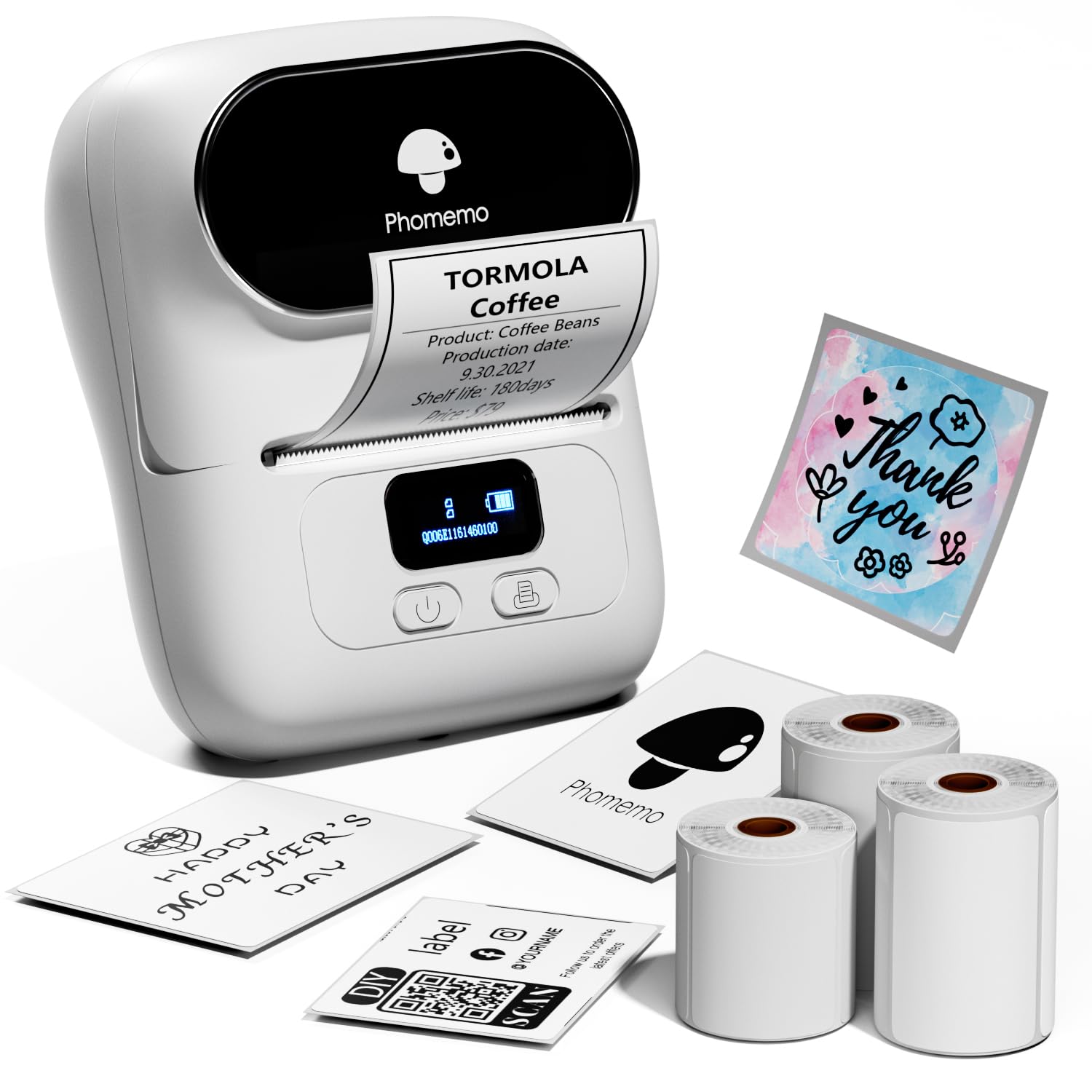
6,000+ ratings
Read Amazon ReviewsPhomemo M110 Label Maker with Three Labels
Consider this package if you want to try several included label sizes from the outset.
The reviewed version may be a better fit if one 40 × 30 mm starter size is enough and you value its explicitly mentioned PC and Mac USB connection, after confirming the computer workflow.
- This M110 package lists three label sizes: 40 × 30 mm, 50 × 30 mm, and 50 × 80 mm.
- It describes Bluetooth printing through Print Master, monochrome thermal output, and widths from 20 to 50 mm.
- The reviewed M110 listing includes 100 starter labels in a single 40 × 30 mm size and describes Bluetooth phone use plus USB connection for PC and Mac.
Desktop Label Printers alternative
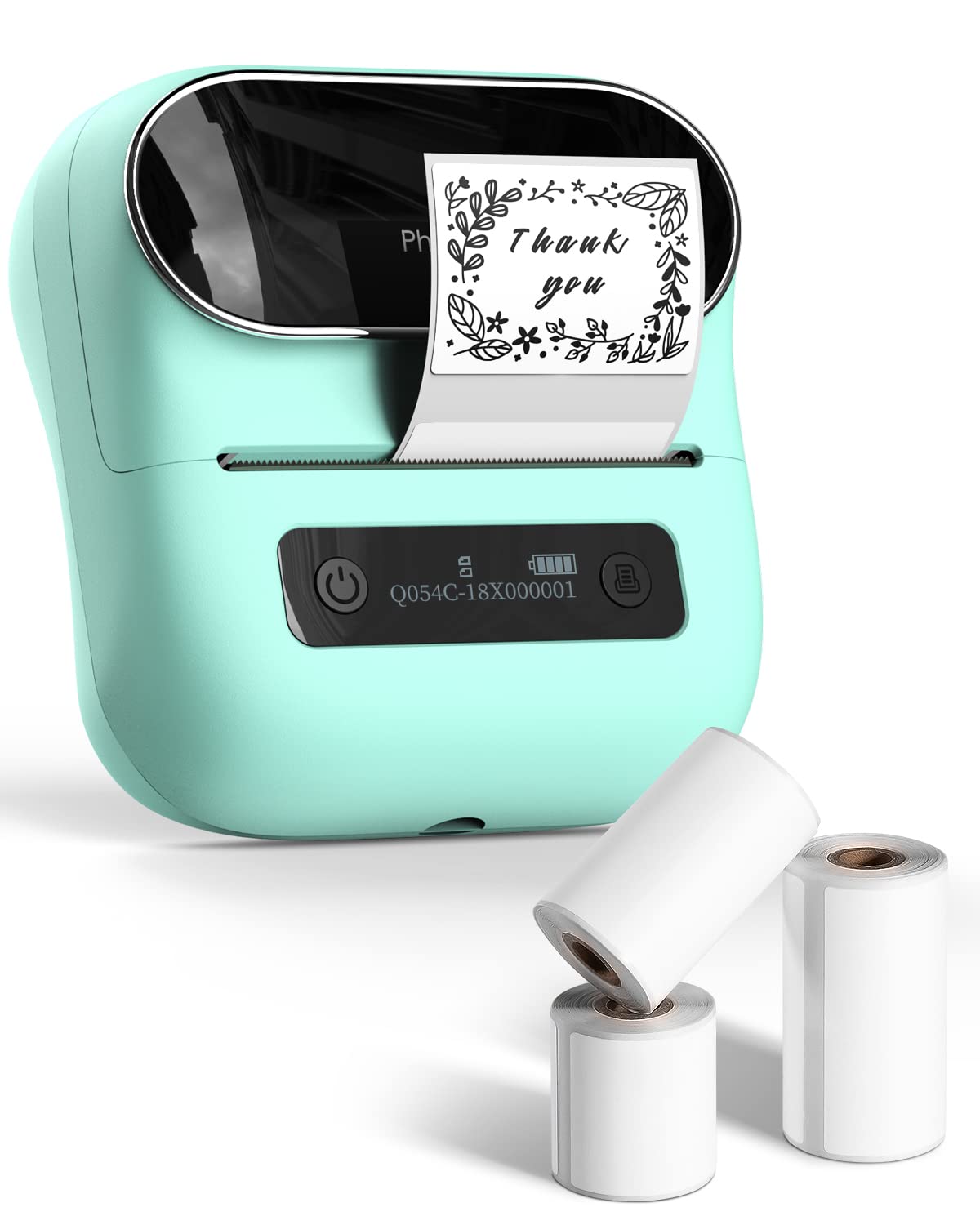
700+ ratings
Read Amazon ReviewsPhomemo M220 Label Maker
Choose the M220 if you need a wider label format and a more fully described computer connection. The M110 better suits buyers whose tasks fit its 20–50 mm range and who prefer its stated compact-label focus.
- The M220 supports label widths from 0.78 to 3.14 inches, Bluetooth for phones and tablets, and USB for Windows, macOS, and Chrome computers.
- Its description explicitly says it does not support 4 × 6 inch labels.
- The M110 is described for 20–50 mm labels and includes a four-hour battery-life figure; its computer connection details are brief.
Is Phomemo M110 Worth It?
The Phomemo M110 Label Maker is worth considering for small businesses, crafts, and home organization when compact monochrome labels and phone-based design fit the job.
Its varied templates, 20–50 mm width range, batch printing, and ink-free operation make it a capable choice for repeat small-label tasks.
Check label dimensions before buying, and verify the USB software path if a computer will be central to your workflow.
For users who need color or full-size shipping labels, this is the wrong format; for its intended smaller jobs, it offers a useful mix of portability and design options.
Your review at a glance
2,000+ ratings
Read Amazon ReviewsPhomemo M110 Label Maker
A compact thermal label maker for small businesses and home users who want app-designed product, address, and organization labels.
- Direct thermal printing works without ink, toner, or ribbons.
- Bluetooth connection to iPhone and Android devices through the Print Master app.
- USB connection is described for PC and Mac use.
- Supports label widths from 20 to 50 mm, suitable for product, price, ingredient, barcode, and address labels.