The HP Sprocket Studio Plus turns smartphone pictures into 4×6 prints, with app-based editing for buyers who like to personalize photos before printing.
This HP Sprocket Studio Plus 4x6 Wireless Instant Photo Printer review looks at its home use, print format, and the practical tradeoffs to consider.
Sprocket Studio Review Summary
The quick verdict
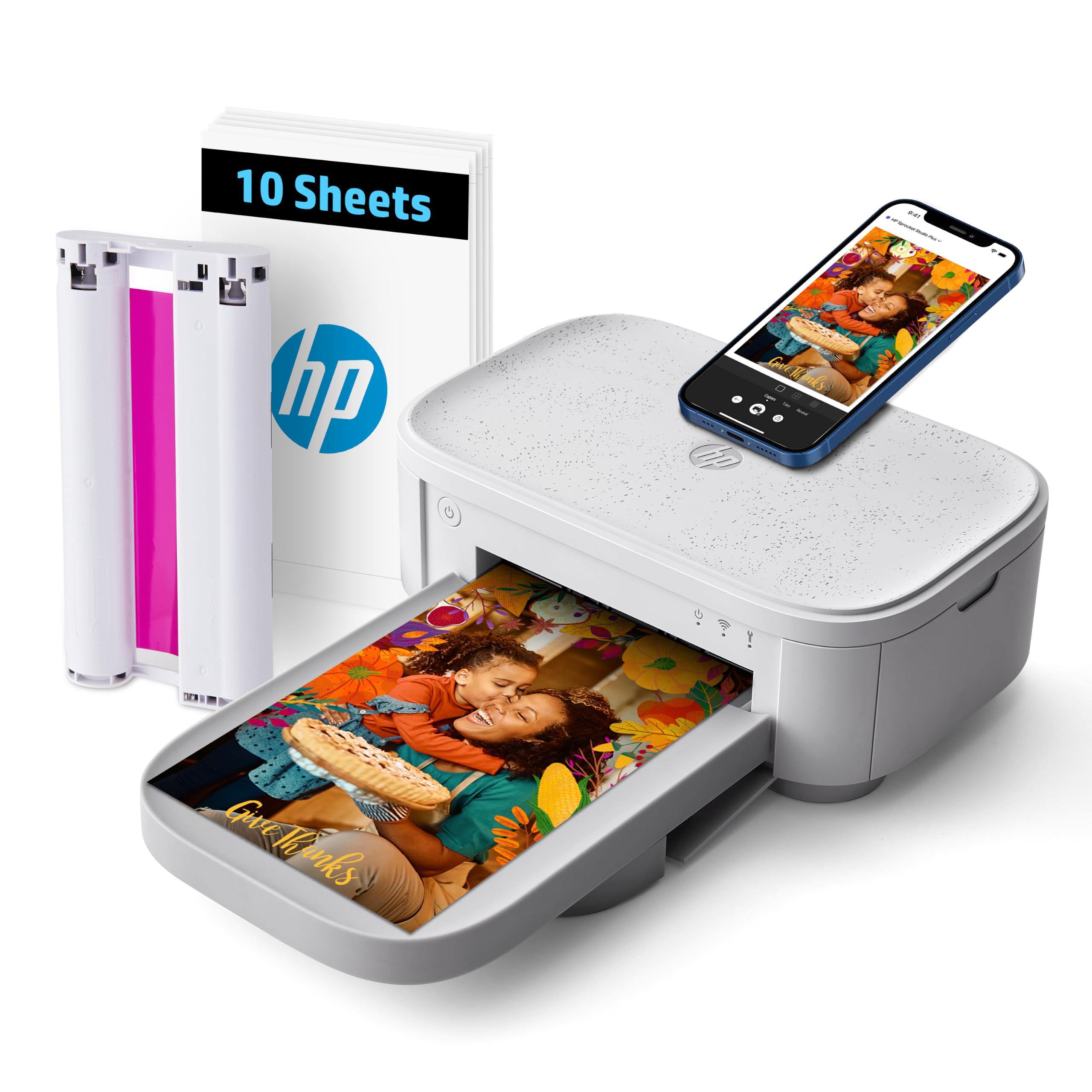
800+ ratings
Read Amazon ReviewsHP Sprocket Studio Plus
A fit for smartphone users who want customizable 4×6 prints for albums, frames, and gatherings, with a compact home setup.
- Prints color photos in a 4×6-inch format from a smartphone.
- Connects to a Wi-Fi-enabled printer through the HP Sprocket app.
- App editing includes stickers, frames, filters, and other creative options.
- Supports creative formats and uses such as collages, photobooth-style pictures, and photo IDs.

Pros
- Larger 4×6 prints are useful for albums and conventional frames.
- Phone-based editing lets users personalize an image before committing it to paper.
Consider before buying
- The included 10 sheets may be used up quickly if printing for a gathering or making multiple copies.
- The workflow depends on a smartphone app and Wi-Fi setup, which may be less convenient for buyers who prefer printing directly from a camera or computer.
Read the full review summary
The Sprocket Studio Plus is built around a straightforward routine: choose a picture on a smartphone, add creative touches in the HP Sprocket app, and print a full-size 4×6 photo over Wi-Fi.
Its supplied starter set includes 10 sheets and a cartridge, so there is some paper and printing material to begin with, though frequent printing will mean replenishing supplies.
Its main appeal is the combination of larger keepsake prints and phone-friendly editing. It suits households, scrapbookers, and hosts who want to make physical copies of selected pictures at home.
Buyers should consider whether 4×6 prints and an app-centered workflow match their habits, and check the ongoing cost and availability of compatible paper and cartridges before settling on any photo printer.
The buying factors
Sprocket Studio Scorecard
Editorial scores reflect listed features and buyer fit; they are not laboratory measurements or customer ratings.
4×6 print format
The standard photo size works well for albums, frames, and sharing, while taking more space than pocket-size prints.
Mobile workflow
Wi-Fi connection and smartphone printing keep the process centered on a device many buyers already use.
Creative editing
The app supports stickers, frames, filters, collages, photobooth-style creations, and photo IDs.
Keepsake durability
The described paper is tear-resistant, smudge-proof, and waterproof, making it suitable for handling and display.
Out-of-box supply
Ten sheets and a cartridge provide a starting point, but the included quantity is modest for regular use.
Home convenience
It is designed for compact home use and produces dry-to-the-touch prints, though it remains a dedicated 4×6 photo printer.
Key Features and Specifications of Sprocket Studio
- Prints color photos in a 4×6-inch format from a smartphone.
- Connects to a Wi-Fi-enabled printer through the HP Sprocket app.
- App editing includes stickers, frames, filters, and other creative options.
- Supports creative formats and uses such as collages, photobooth-style pictures, and photo IDs.
- Uses premium dye-sublimation printing.
- The described photo paper is tear-resistant, smudge-proof, and waterproof.
- Includes 10 sheets and a cartridge to get started.
Pros and Cons of Sprocket Studio
Pros
- Larger 4×6 prints are useful for albums and conventional frames.
- Phone-based editing lets users personalize an image before committing it to paper.
- The listed paper properties are well suited to photos that will be handled or displayed.
- The starter sheets and cartridge make it possible to try the printer soon after setup.
Consider before buying
- The included 10 sheets may be used up quickly if printing for a gathering or making multiple copies.
- The workflow depends on a smartphone app and Wi-Fi setup, which may be less convenient for buyers who prefer printing directly from a camera or computer.
- It is intended for 4×6 photo output, so buyers needing documents or several print sizes should confirm their broader printing needs are covered elsewhere.
Who Should Buy Sprocket Studio?
Good fit
Consider the Sprocket Studio Plus if you regularly save pictures on your phone and want selected favorites in a familiar 4×6 format.
The app’s frames, filters, stickers, and collage options give you a chance to shape a photo for an album, gift, or get-together before printing.
It also makes sense for a household that values physical pictures but does not need to print every image. The described paper is designed to resist water, smudges, and tearing, while prints come out dry to the touch.
Before buying, check the cost and availability of replacement paper and cartridges so the supply routine fits how often you expect to print.
Who should skip it
Look elsewhere if you need a general-purpose printer for letters, schoolwork, or mixed media sizes; this model is presented as a dedicated 4×6 photo printer.
It may not suit buyers who want to print away from a Wi-Fi-enabled home setup or who expect a large starter supply. Check the connection method and replenishment options against your intended routine.
HP Sprocket Studio: How Its 4×6 Printing Fits Home Use
A useful size for keepsakes
A 4×6 print is large enough to display or add to a conventional photo album, which makes this format more suited to home keepsakes than tiny wallet-style souvenirs.
The tradeoff is that each print uses a full sheet, so it is sensible to choose favorites rather than treat the device as a way to print every phone photo.
Editing before printing
The app gives users creative choices before a print is made, including stickers, frames, filters, and collage layouts. That can be helpful when making a themed page or preparing pictures for a gathering.
Buyers who prefer an unedited, one-tap workflow may use fewer of these options, but they remain available for occasional projects.
What the paper properties mean
The product description identifies the paper as tear-resistant, smudge-proof, and waterproof, with dye-sublimation printing and dry-to-the-touch output.
These characteristics suggest a print designed for ordinary handling and display, though they do not remove the need to store cherished photos thoughtfully or to follow the printer’s care guidance.
Plan around consumables
The starter bundle includes 10 sheets and a cartridge.
That is enough to try the basic workflow, but buyers planning a party, scrapbook project, or regular printing should check replacement supply options and estimate their likely usage before choosing a printer.
Alternatives to Sprocket Studio
Desktop Photo Printers alternative
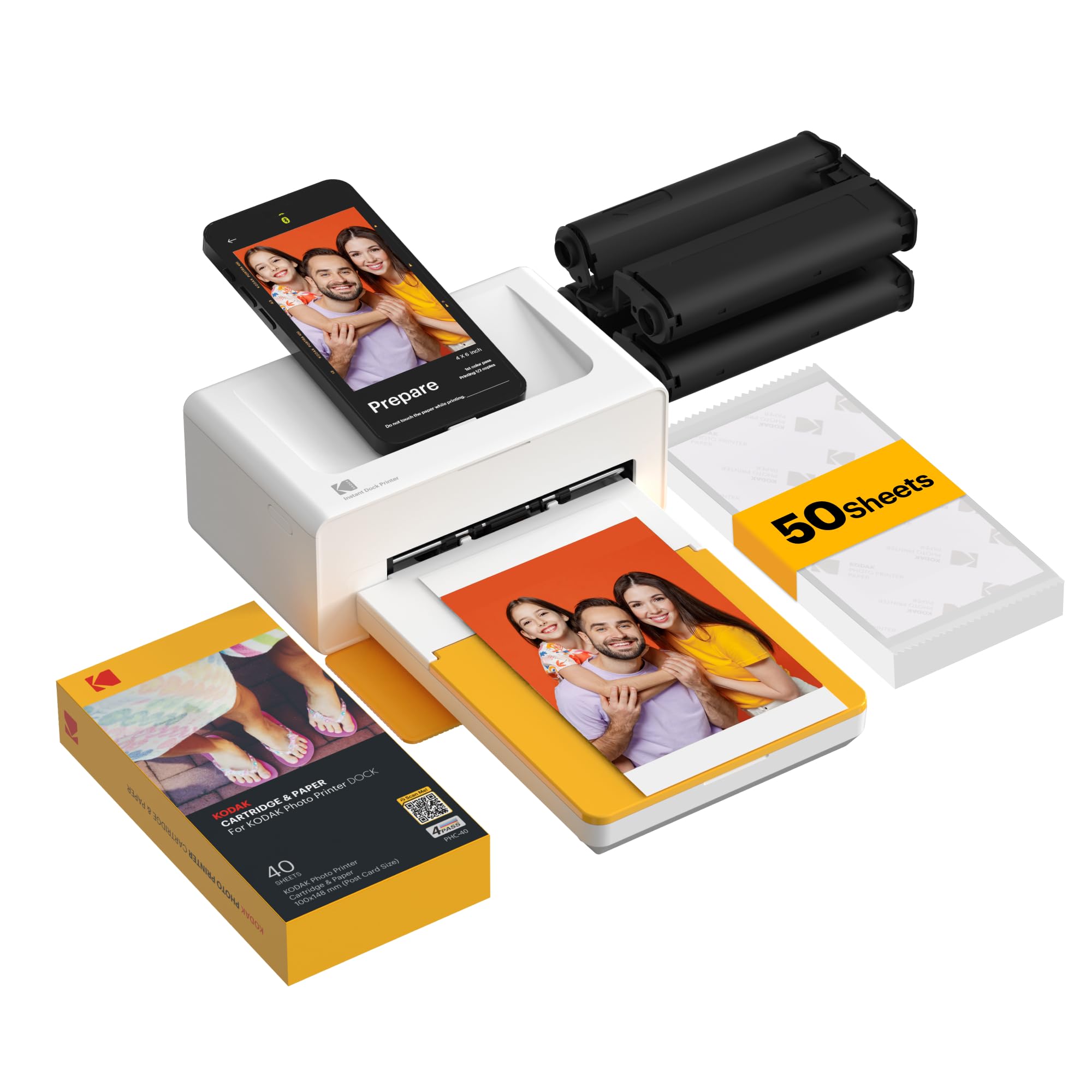
19,000+ ratings
Read Amazon ReviewsKODAK Dock Plus 4×6 Photo Printer
Choose the HP if its Wi-Fi connection and creative app tools suit the way you prepare images. Consider the KODAK if you value a phone dock that also charges the device and want a larger included paper supply.
- The KODAK Dock Plus prints 4×6 photos from compatible iOS and Android phones over Bluetooth.
- Its integrated dock can hold and charge a phone while printing, and its package includes 50 sheets.
- Its 4PASS process applies three color layers and a clear protective layer.
- The HP Sprocket Studio Plus uses Wi-Fi and an editing app with creative tools such as stickers, frames, and collages; its starter set has 10 sheets and a cartridge.
Battery-focused alternative
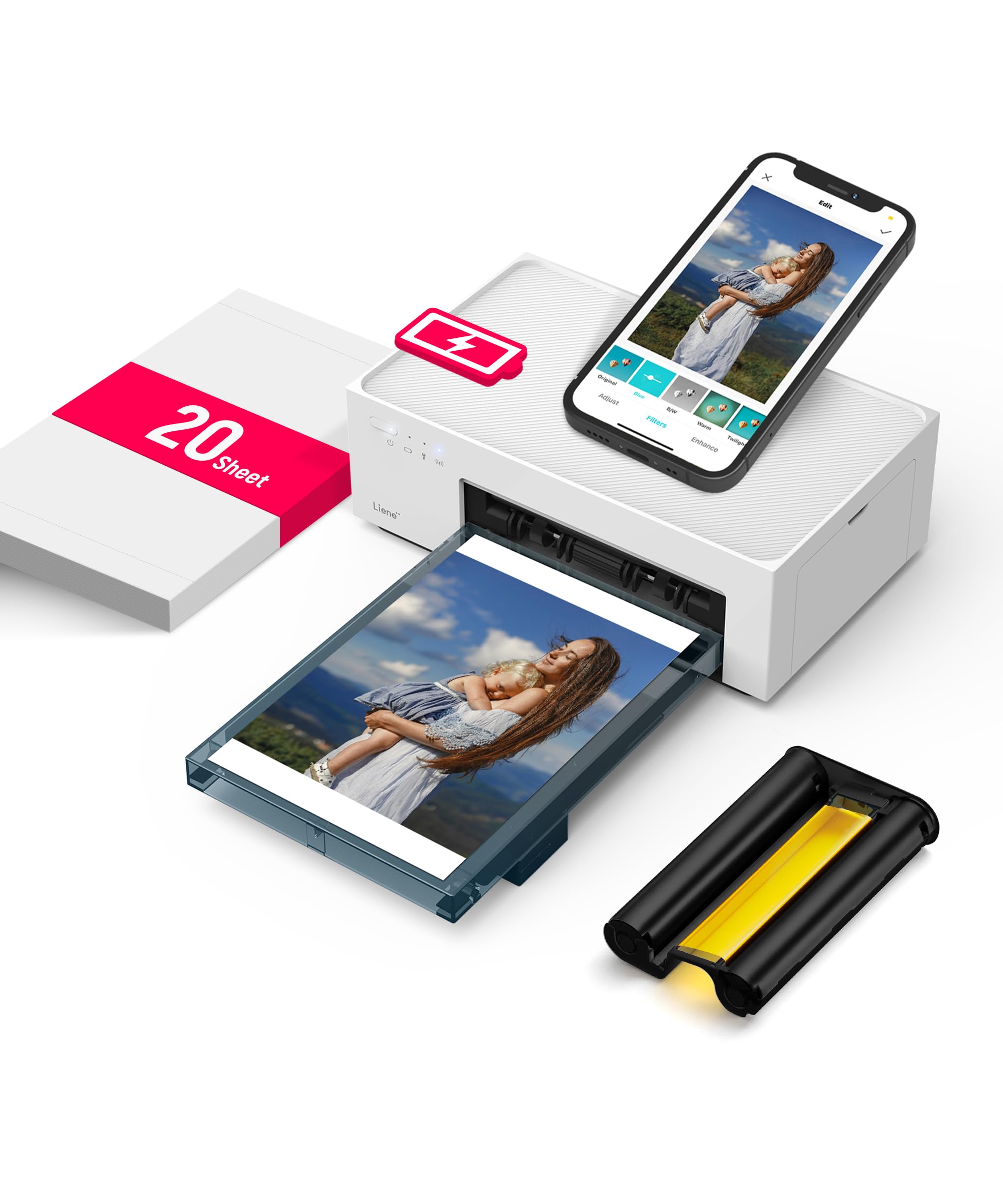
500+ ratings
Read Amazon ReviewsLiene M200 4×6 Photo Printer Battery Edition
The HP is a straightforward match for home users who want its particular creative editing options.
The Liene may fit buyers who want a battery-powered option for travel or gatherings away from an outlet, while its stated print limit is an upper bound rather than a guarantee for every use.
- The Liene M200 includes a rechargeable battery described as supporting up to 40 prints per charge, plus 20 sheets and a cartridge.
- It connects through its built-in Wi-Fi hotspot and supports up to five simultaneous users; its app offers basic edits, filters, and borders.
- The HP Sprocket Studio Plus is a home-focused 4×6 printer with Wi-Fi smartphone printing and editing through the HP Sprocket app.
Is Sprocket Studio Worth It?
The HP Sprocket Studio Plus is worth considering if your goal is to turn selected smartphone photos into customized 4×6 keepsakes at home.
Its app tools, Wi-Fi workflow, and described paper durability make it a practical fit for albums, frames, and small creative projects.
The main tradeoffs are the modest starter supply and the need to plan for replacement consumables.
Check those ongoing costs and confirm that app-based Wi-Fi printing suits your setup; if so, this is a focused photo printer for buyers who value physical prints over all-purpose output.
Your review at a glance
800+ ratings
Read Amazon ReviewsHP Sprocket Studio Plus
A fit for smartphone users who want customizable 4×6 prints for albums, frames, and gatherings, with a compact home setup.
- Prints color photos in a 4×6-inch format from a smartphone.
- Connects to a Wi-Fi-enabled printer through the HP Sprocket app.
- App editing includes stickers, frames, filters, and other creative options.
- Supports creative formats and uses such as collages, photobooth-style pictures, and photo IDs.